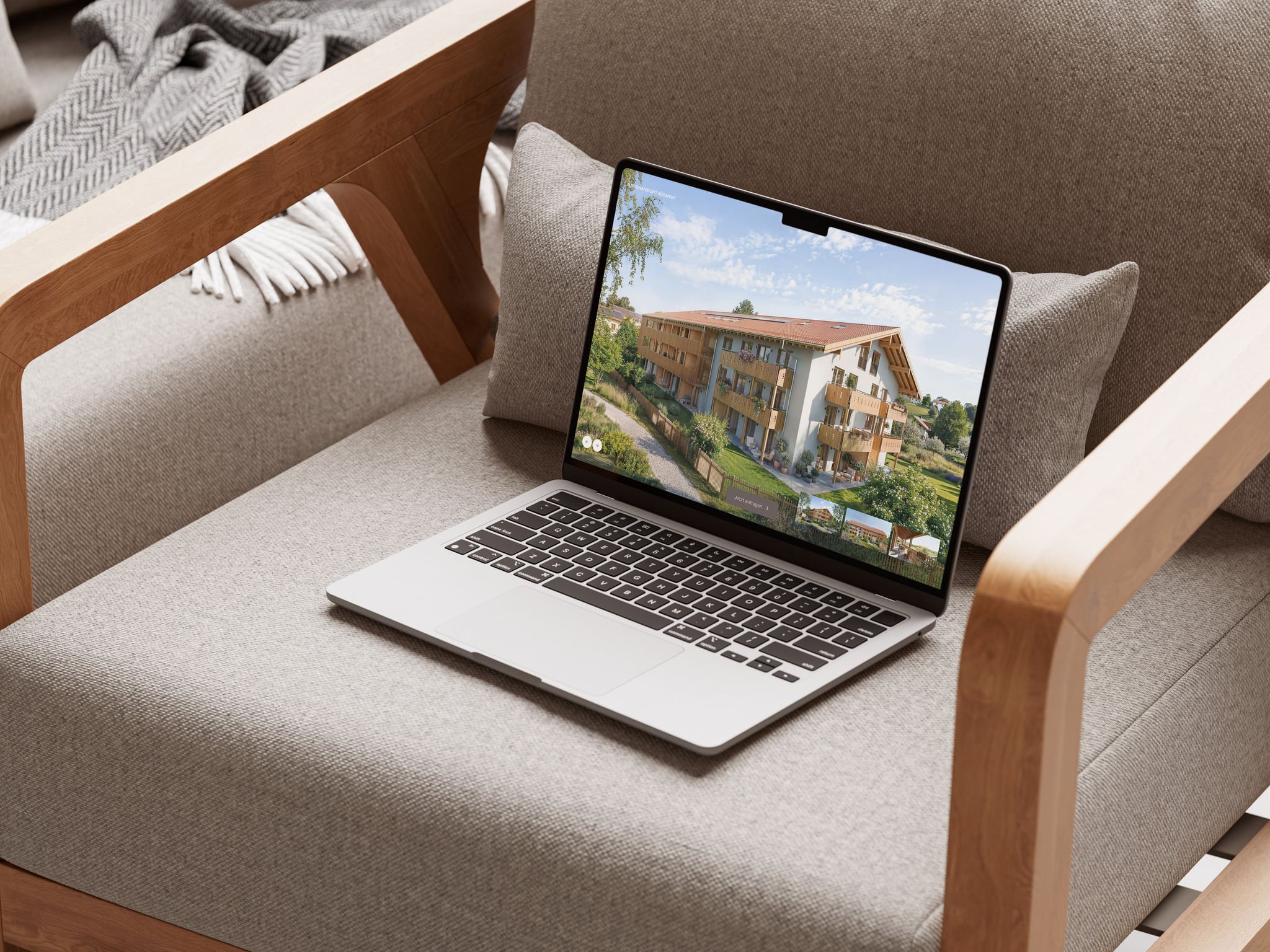
Someone discovers your development on a property portal, sees a sign at the site or hears about it from an agent. They visit the project website to get a clearer picture. What is being built? What would living there feel like? Which apartment could suit them?
A good development website brings these questions together. It gives the architecture room, explains the offer and makes contacting the sales team straightforward. To have it ready when sales begin, the design, copy, imagery and apartment data need a shared foundation.
Establish what makes the development distinctive
Before the first layout, look closely at the project. Who is it for? What does the location offer in everyday life? Which qualities of the architecture and apartments matter to those people?
“Living close to nature” can mean a private garden, a shared courtyard or a nearby walking route. Each describes a different experience. That precision gives the copy and images something specific to communicate.
Start by agreeing on the essential messages: the place, the types of homes, their distinctive qualities and the next step for interested buyers. These decisions also guide image selection. If outdoor spaces are central to the offer, they deserve a clear role in the visualizations and the website.
Show the architecture and explain the homes
An exterior image introduces a building’s character. An interior visualization shows how a room could be furnished and used. A floor plan answers other questions: Where is the bedroom? How do you reach the balcony? Is there room for a dining table?
Plan the images alongside the website’s content. A view of the whole building may suit the opening. Further down, a garden perspective, living room or courtyard might explain a particular quality. Each image should have a purpose.
Format matters too. A wide architectural view may need a different crop on a phone. The important details should remain visible in both settings. Planning the website and 3D visualization together makes it possible to account for those needs when choosing viewpoints.
Motion can help explain spatial relationships. The essential information should remain accessible while a video loads or when someone chooses to skip it.
Give the apartment offer a clear structure
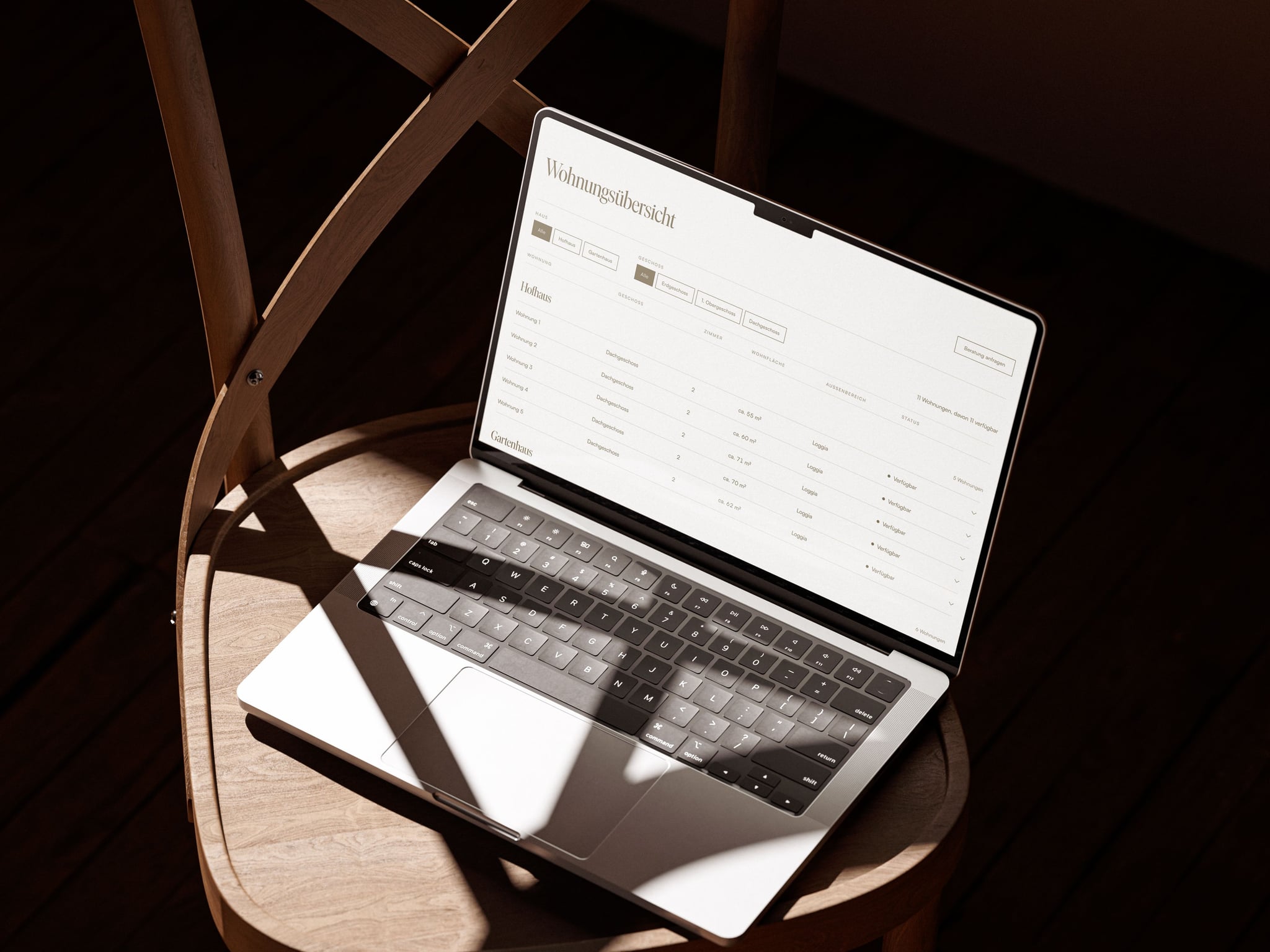
After the first impression, the search becomes more specific. Buyers compare room count, area, floor and outdoor space. Each apartment should present the same information in the same place. Consistent apartment numbers connect the website, floor plans and property brochure.
A clear list may be enough for a small development. For several buildings or a larger selection of apartments, an interactive finder can help buyers understand where a home sits within the project. The choice depends on what people need to compare.
The connection between overview and detail is essential. After selecting an apartment, a visitor should find its floor plan and relevant information easily. An inquiry from that view should carry the apartment number through to the sales team.
Our Flatfinder3D shows the possibilities for exploring buildings and individual apartments in more detail.
Explain the location with specific information
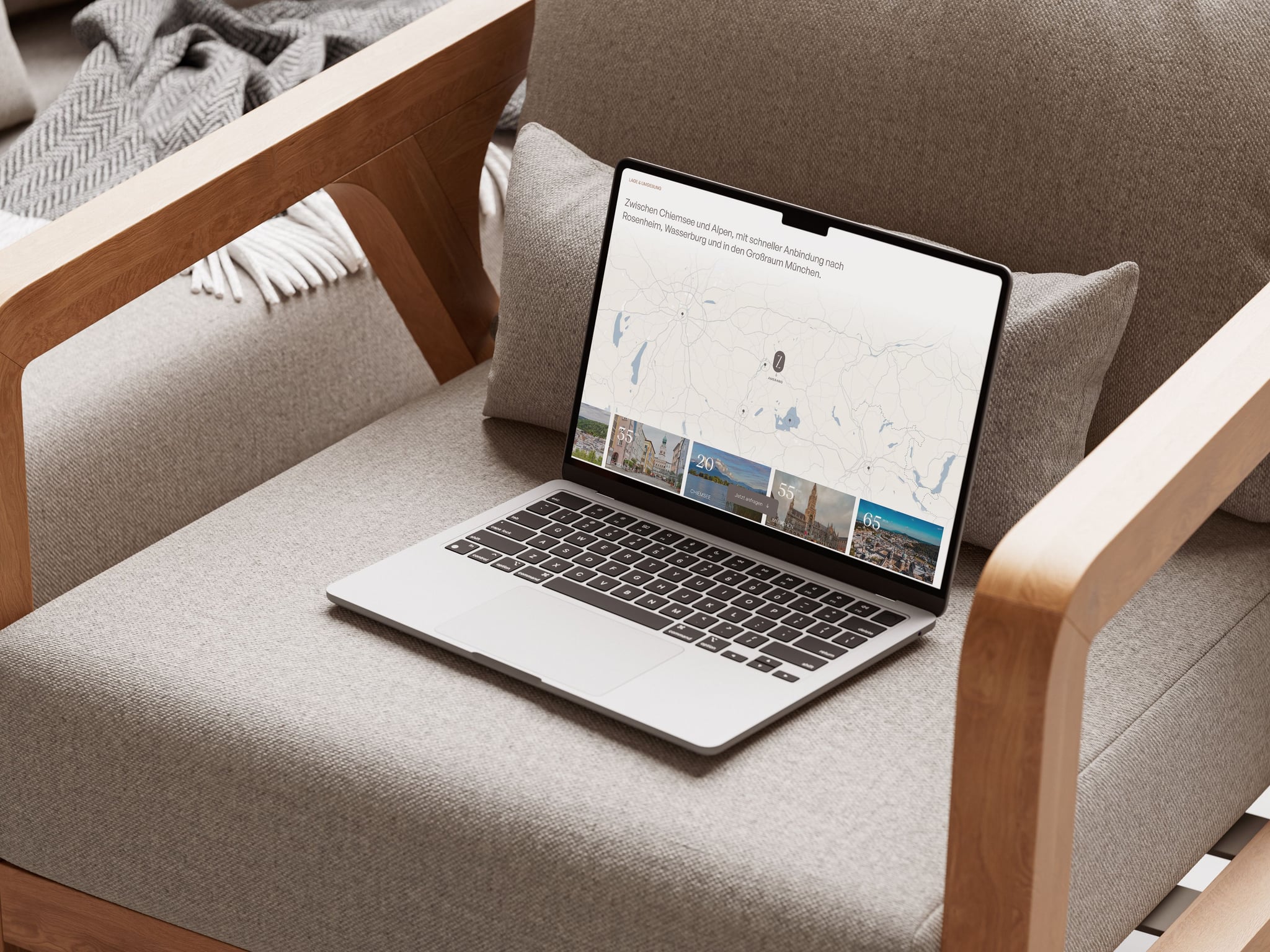
An address alone says little about daily life. Schools, shops, public transport and open spaces help people understand the neighborhood. A map provides orientation; selected photographs and short descriptions explain what is distinctive about the surroundings.
Be precise about distances and travel times. They need a checked starting point and a clear basis. A walking route, driving time and straight-line distance describe different things.
At Zenznhof, location information has its own place alongside the architectural images and apartment overview. It helps visitors consider the development in its setting.
Carry the project identity through every application
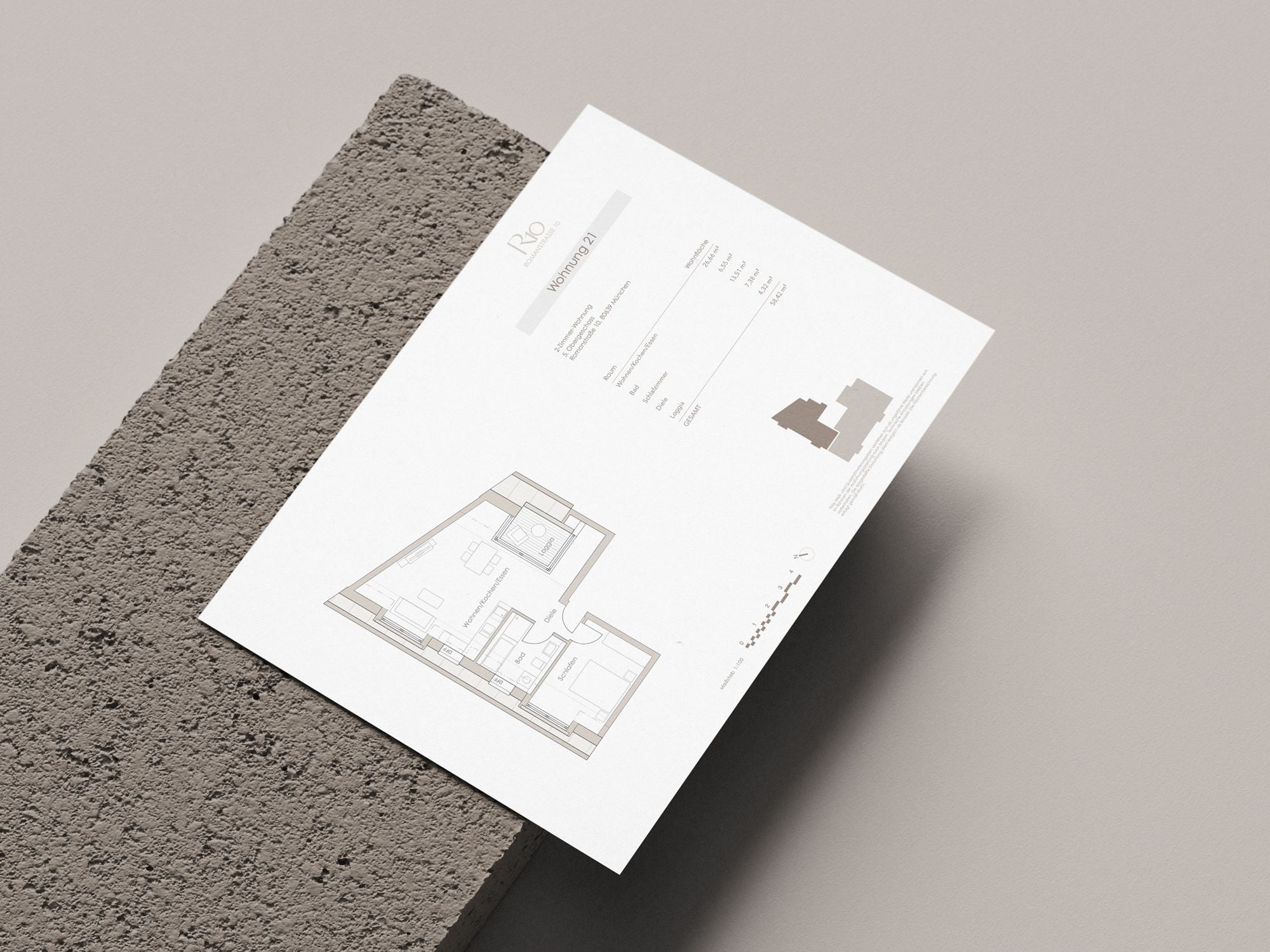
The logo, colors, typography and imagery give different content a shared frame. That applies to the opening architectural image, an apartment table and a downloadable floor plan.
The identity needs to work in everyday use. A typeface should give a headline character while keeping small area figures legible. Colors should support recognition and clear information. Someone moving between the website, brochure and floor plan should recognize the same development.
For Davert Hof, we created the visual identity, 3D visualizations, property brochure and website. Working across these applications allows design decisions to be tested together while the direction is still taking shape.
Follow the inquiry all the way through
A contact form is complete when the message reaches the right person and the next step is clear. What does the sales team need at first contact? Who replies? What does the sender see after submitting?
Ask for the information needed to take that next step. For an apartment inquiry, the selected unit is particularly useful. A short confirmation should explain that the message has arrived and what happens next.
Test the entire process with a real submission on a phone and a desktop. Check receipt, confirmation and the selected apartment. Test phone links, downloads and links from the brochure as well. These details only become apparent when the full journey is used.
Agree on responsibilities before launch
The website changes with the development. Apartments are reserved, details become more specific and documents are updated. Decide who maintains each part and who approves changes before the site goes live.
A short shared checklist helps:
- Which version of the plans and apartment data has been approved?
- Do apartment numbers, areas and availability agree across the documents?
- Are the images, copy and contact details complete?
- Do apartment selection, downloads and inquiries work on mobile?
- Who keeps availability and documents current after launch?
Also agree on how the website will be evaluated. Visits show reach. The sales team needs to know which suitable inquiries follow and which questions remain unanswered. That feedback provides a useful basis for improving the content after launch.
Start with the development
The right scope comes from the architecture, audience, number of apartments and planned sales launch. Those factors shape the content, image planning and approach to apartment selection.
At Oblik3D, we coordinate the project identity, 3D visualization, sales materials and development website within one team. You can also commission a website on its own and bring existing materials.
Tell us about your development. We will work through what needs to be ready for launch and which materials the website will need.


