A sign at the site or an early conversation with an agent can be enough for people to start searching for a new development. Floor plans, prices and the brochure may still be in preparation. Even then, “Where can we find out more?” needs an answer.
A pre-launch page introduces the development using information that has already been approved. It gives early interest a dedicated address and a suitable route to the sales team. The scope follows the current project stage: what can you show, and which questions can your team answer?
What belongs online now, and what comes later?
The first presentation needs a clear description: the project name or address, location, planned types of homes and selected architectural qualities. Add an approved image and a way to get in touch. An agreed sales launch date can be included. While it remains open, the copy should avoid promising a date.
Before design begins, divide the content into two groups:
For the early page
- The project name, location and a short introduction to the development.
- Agreed details, such as the types of homes and architectural features.
- An exterior visualization that matches the approved design.
- A contact option with a specific expectation, such as “Receive information when sales begin.”
When the materials and sales team are ready
- An apartment overview with clear unit identifiers and availability.
- Floor plans and approved details for individual apartments.
- The brochure, prices and further offer details where these are intended for publication.
- An inquiry about a specific apartment.
This division is a planning aid. If some floor plans are ready, they can be included earlier. If basic information about the development is still missing, a designed page cannot resolve those decisions. Visitors need to understand the current stage.
An image and address that can carry forward
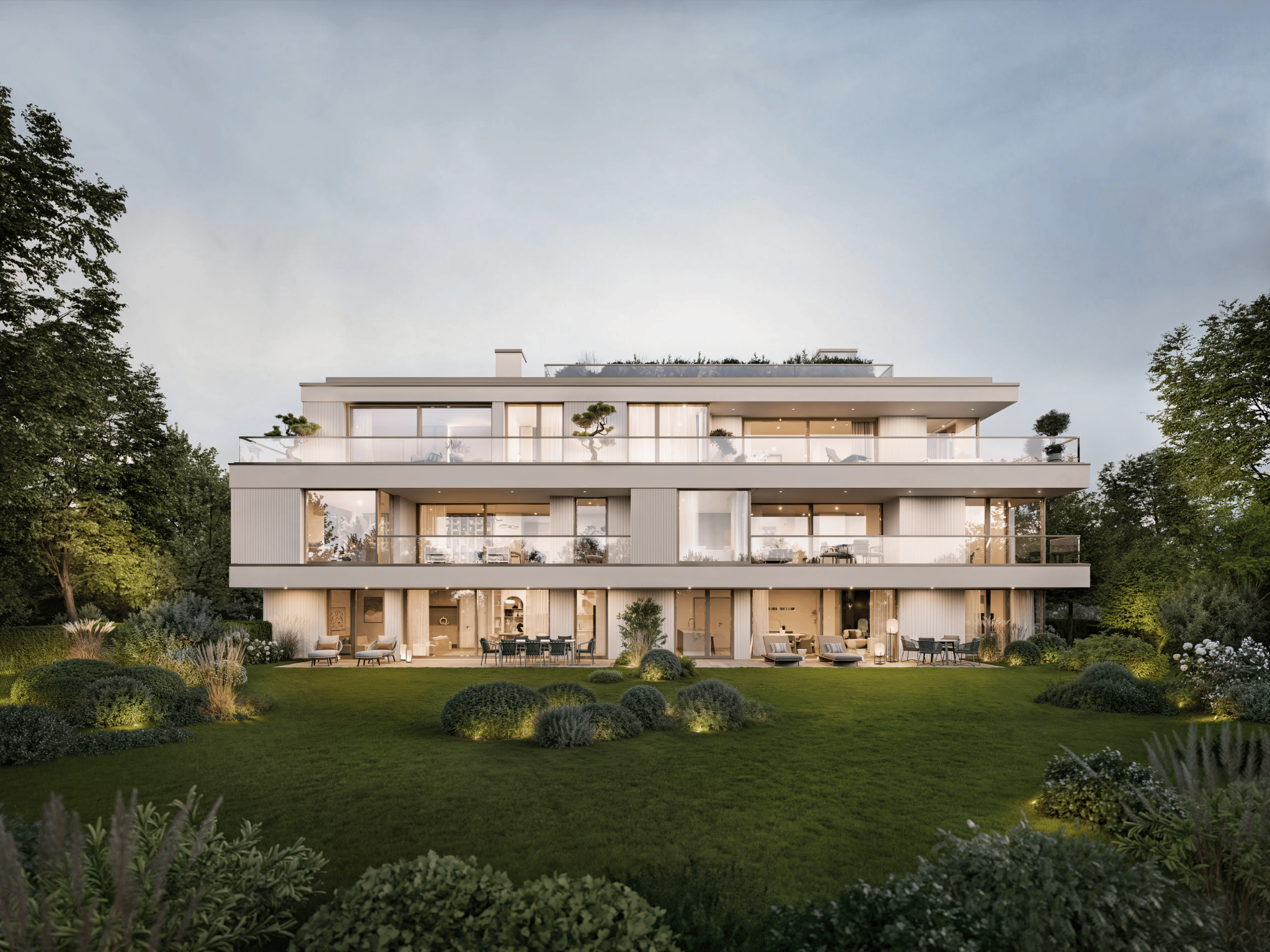
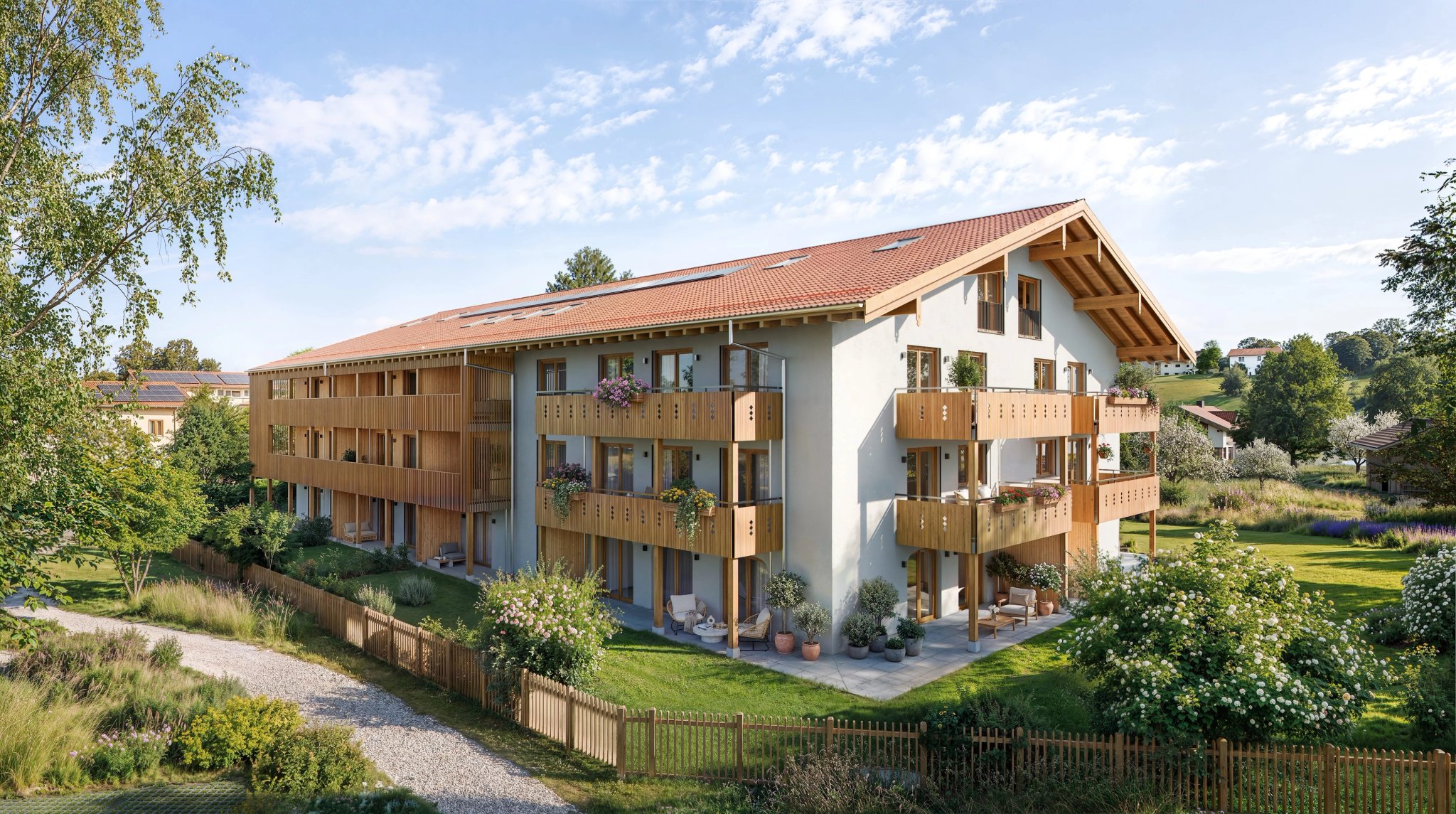
An exterior visualization can explain the building's form, materials and relationship to its surroundings before the apartment materials are ready. We select the view with you around the quality the early presentation should convey. The image also needs to remain understandable in a narrow phone crop.
An existing logo, colors and typography can provide the visual foundation. A new project brand is optional. If one is being developed alongside the page, we agree on which elements are ready to use.
Set the project address early. Someone who recognizes a name or domain from the site sign should find it again on the page. The same address can continue to serve the full website, so materials already in print keep leading people to the development.
What happens to an early inquiry?
The contact option should match what the sales team can offer. “Receive information when sales begin” suits an early interest list. “Inquire about an apartment” suits a stage when buyers can select a unit and discuss it with the team.
Before the page goes live, we work through three questions with you:
- Who receives the inquiries, and where are they recorded for follow-up?
- Will the team reply personally, or will information be sent when sales begin?
- Who will follow up with the early contacts at that point?
The form should not require an apartment selection that is not yet possible. Optional details, such as the preferred room count, are useful only if the team will use them. The confirmation after submission should describe the agreed process. How contact information is handled, and the information needed to explain that, are part of the preparation.
From the first introduction to apartment selection
At the sales launch, the website's job changes. The general introduction becomes an offer in which people can compare apartments, open documents and inquire about a specific home.
That transition also involves the sales team. Early inquiries need to be followed up through the agreed process, while the contact wording now supports apartment selection. The page should stop referring to a launch that has already happened.
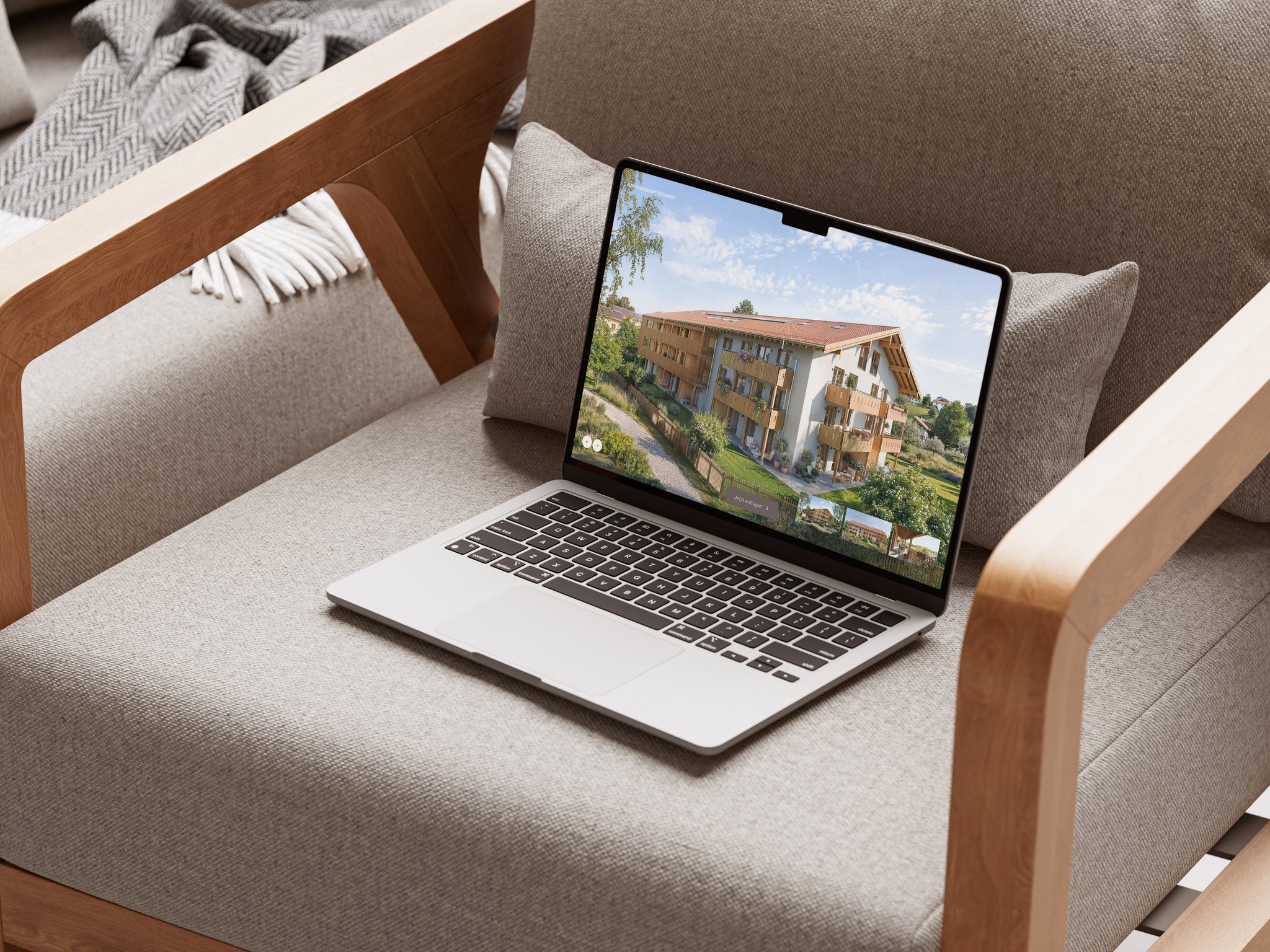
The following image shows a full development website, using Zenznhof as an example. It illustrates the fuller scope with architecture, location and an apartment overview; it does not document a pre-launch page for this project.
Our development website launch guide covers preparation for the full website.
When is an early page worthwhile?
A pre-launch page is useful when interest is emerging, enough approved information is available and someone will handle inquiries. If the full sales launch is close, publishing the complete website together may be more practical. If the name, location description or project concept is still unresolved, we work through those foundations first.
At Oblik3D, a pre-launch page can form part of a development website. We coordinate the early content, imagery and later expansion with you.
Tell us where your development stands. We will establish what can go online now and which content should follow before sales begin.